Sign In Faster and More Securely with Passkeys
Last updated June 20, 2025
We’ve made it even easier for you to log into your account—no password required. You can now use passkeys to sign in with passwordless options like Face ID or Touch ID. It’s simple, secure, and takes just a few seconds.
What’s a Passkey?
A passkey is a safer, passwordless way to log in. Instead of remembering (or resetting) your password, you can use a face scan, fingerprint, or your phone/computer’s built-in authentication.
Passkeys are tied to your device and protected by your biometrics or passcode.
How to Get Started
When you log in to your account, you’ll see a screen inviting you to “Use passkeys.” Just tap the button and follow the instructions on your device—it only takes a few seconds to set up.
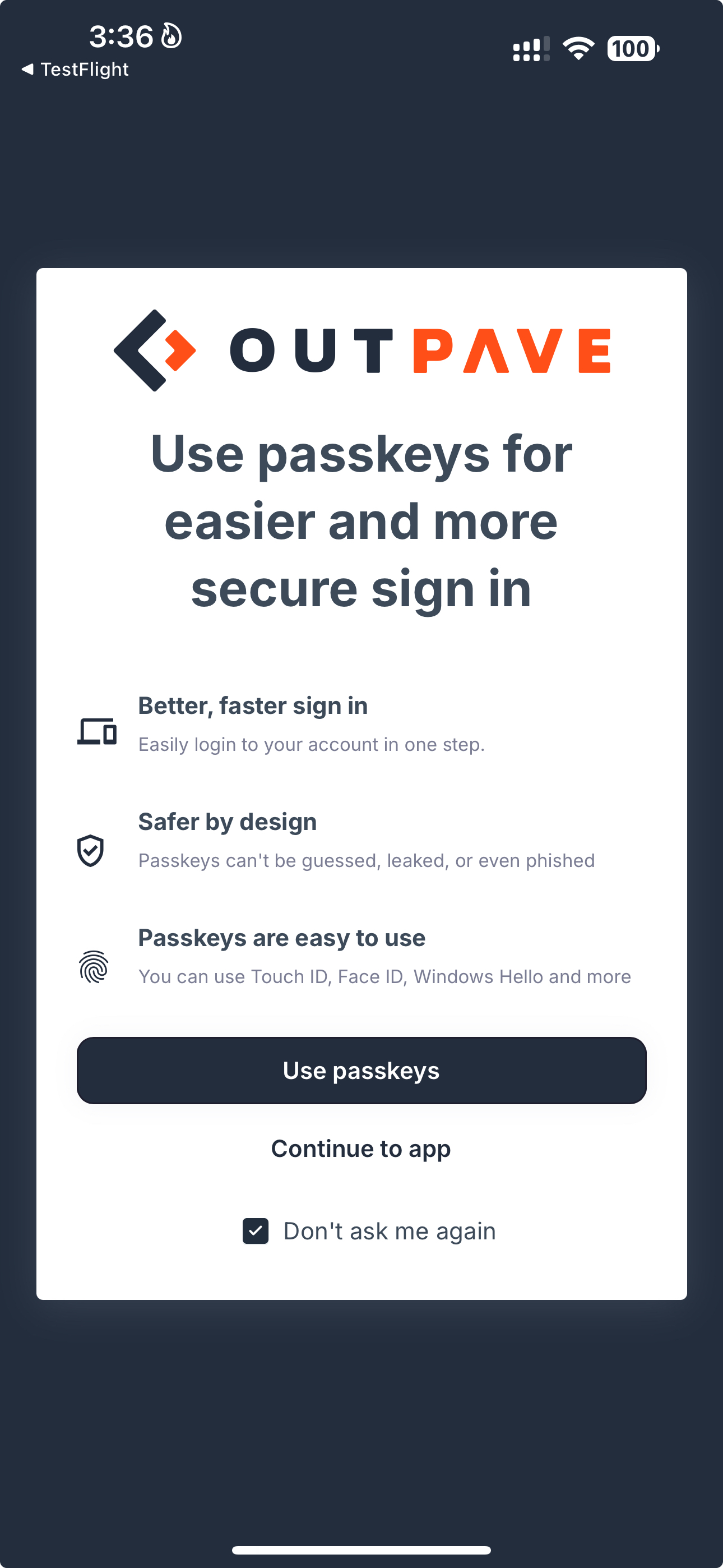
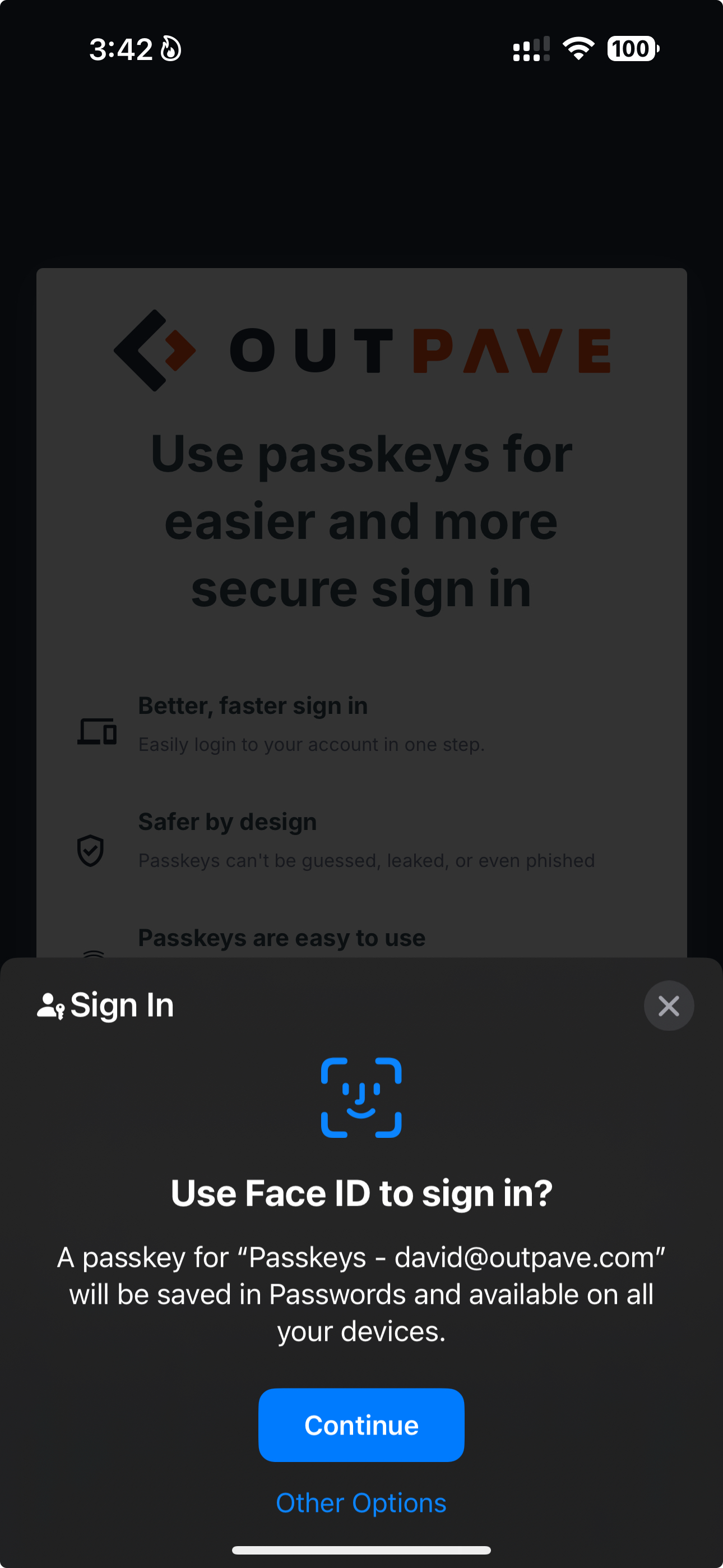
On iPhone, you be able to use Face ID log sign in. Click continue.
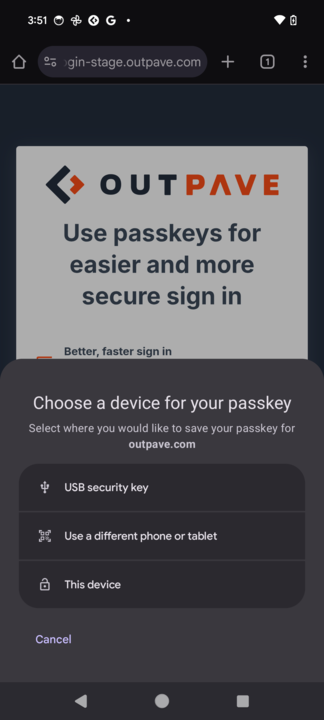
On android, you can select this device and use your biometrics locally.
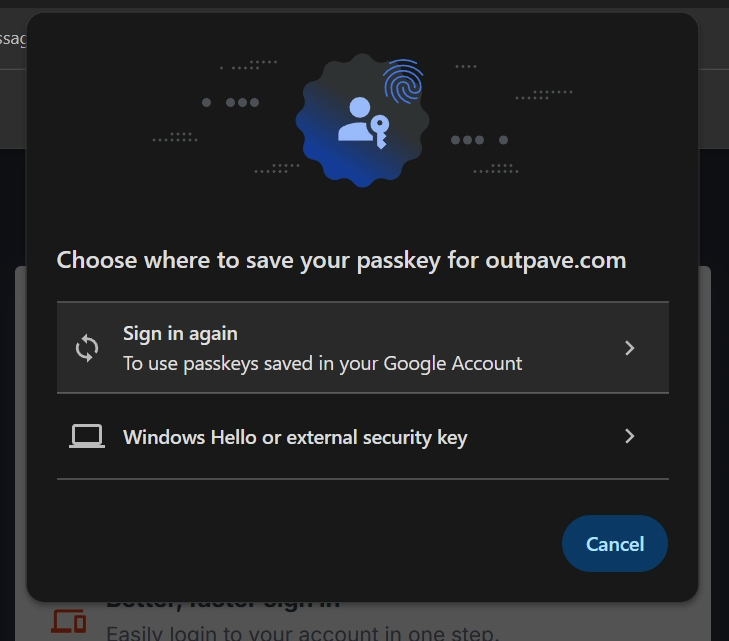
On Windows, you can save it to Chrome or Windows Hello.
On Mac, similar screen. You can use your iphone or ipad to login.
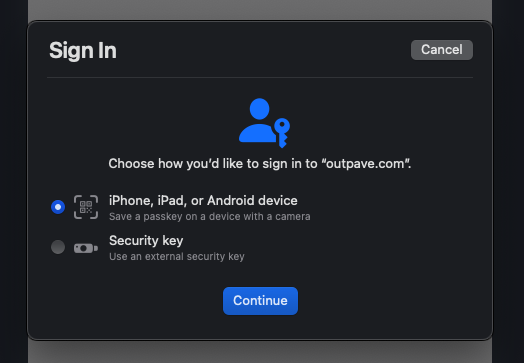
After that, you’ll be able to log in instantly with a passkey anytime you're on that device.
If you’d rather skip it for now, you can still continue with your usual login method—and even check "Don’t ask me again" if you prefer not to be prompted.
If you don’t see these screens, it’s likely because you previously selected “Don’t ask me again.” Deleting and reinstalling our mobile app, or clearing your browser cache, will allow the passkey option to appear again.
Need Help?
If you run into any trouble or have questions about using passkeys, our support team is happy to help. Just reach out, and we’ll walk you through it.